Studio
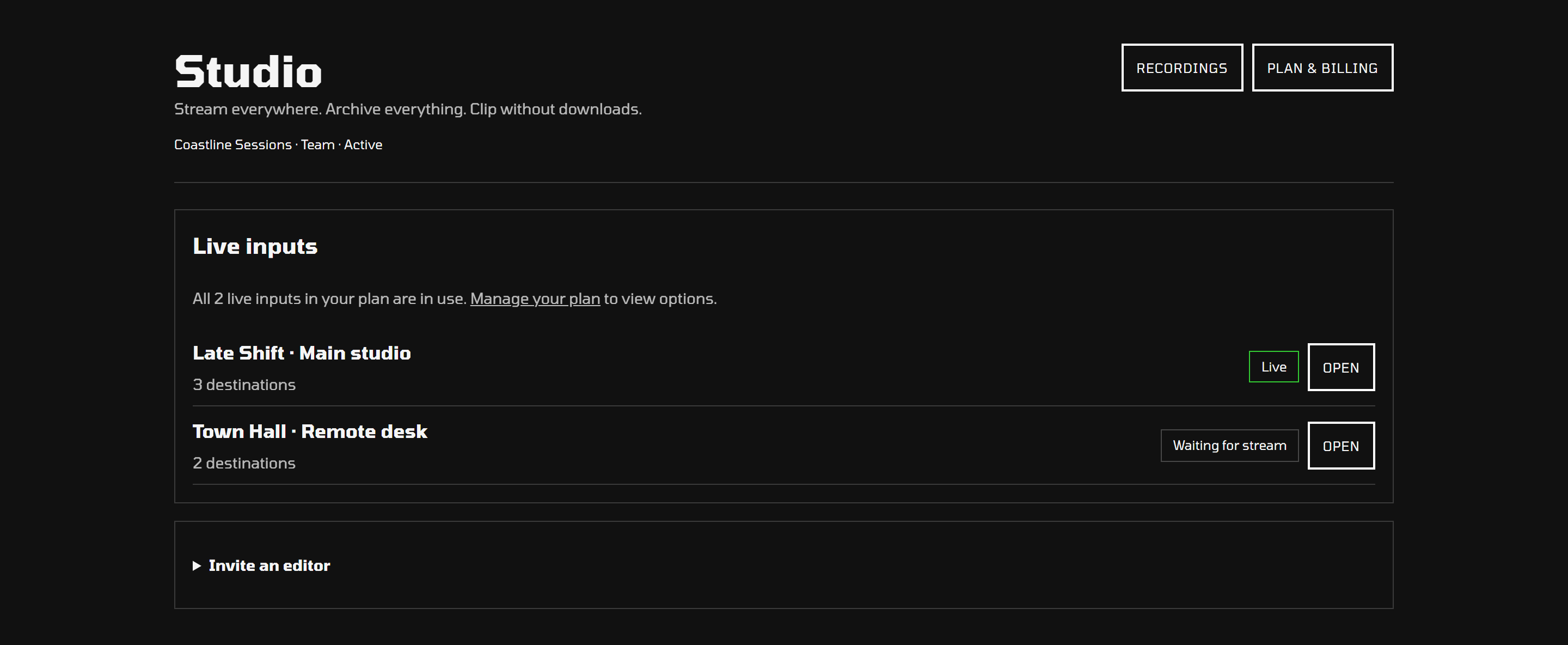
Connect OBS or another encoder, add your destinations, and send one feed to all of them. Your input stays ready for the next show.
Explore Studio ↗Stream to YouTube, Twitch, Kick, Facebook, and more. Rewind Live saves a private recording of your show, ready to clip, combine, and export in your browser.
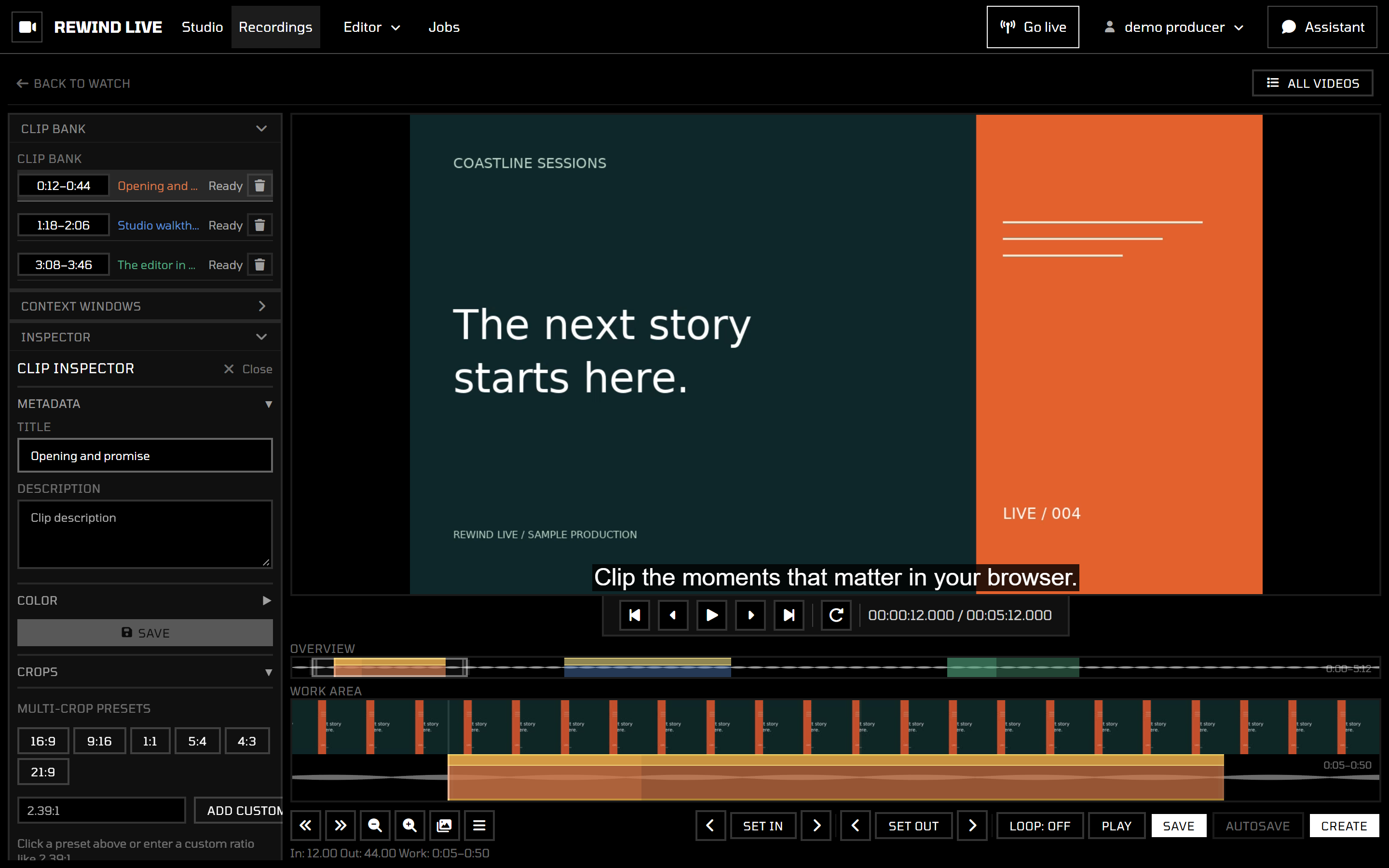
Go from broadcasting to editing in the same workspace.
Connect OBS or another encoder, add your destinations, and send one feed to all of them. Your input stays ready for the next show.
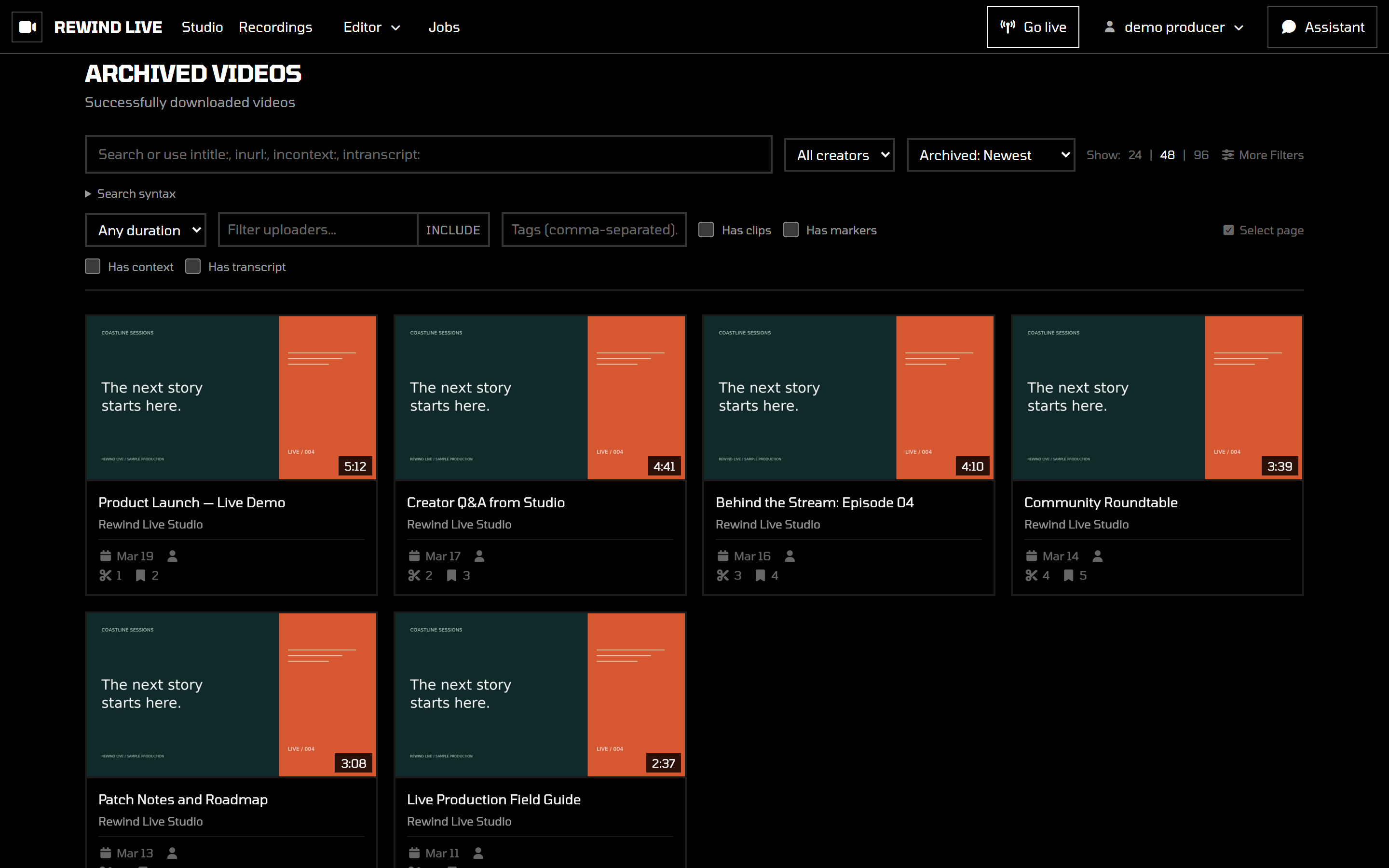
Explore Studio ↗Once processing is complete, your show appears in your private library. Watch it back or open it in the editor. Your plan sets how long it stays.
Explore recordings ↗Save a great moment with Cut or bring several together in Stitch. Download the finished edit without pulling the full recording onto your computer.
Explore Cut & Stitch ↗Rewind Live records the feed you send, so you can work from your own copy after the broadcast.
Create a live input and add the stream addresses and keys from your destination platforms.
Send your feed from OBS or another compatible encoder. Rewind Live forwards it to your destinations.
Once the show finishes processing, open it in Rewind to save a clip or build a compilation.
Keep track of each show's input and destinations.
Find past shows when it's time to watch, clip, or edit.
Looking for episode management, paid memberships, or ticketed events? Our other service, thirdcoast.tv, brings your shows and your audience together.
Explore thirdcoast.tvGo live, keep the recording, and make something more from it.