Make a clip
Find a moment and cut it in the browser.
Open the source recording
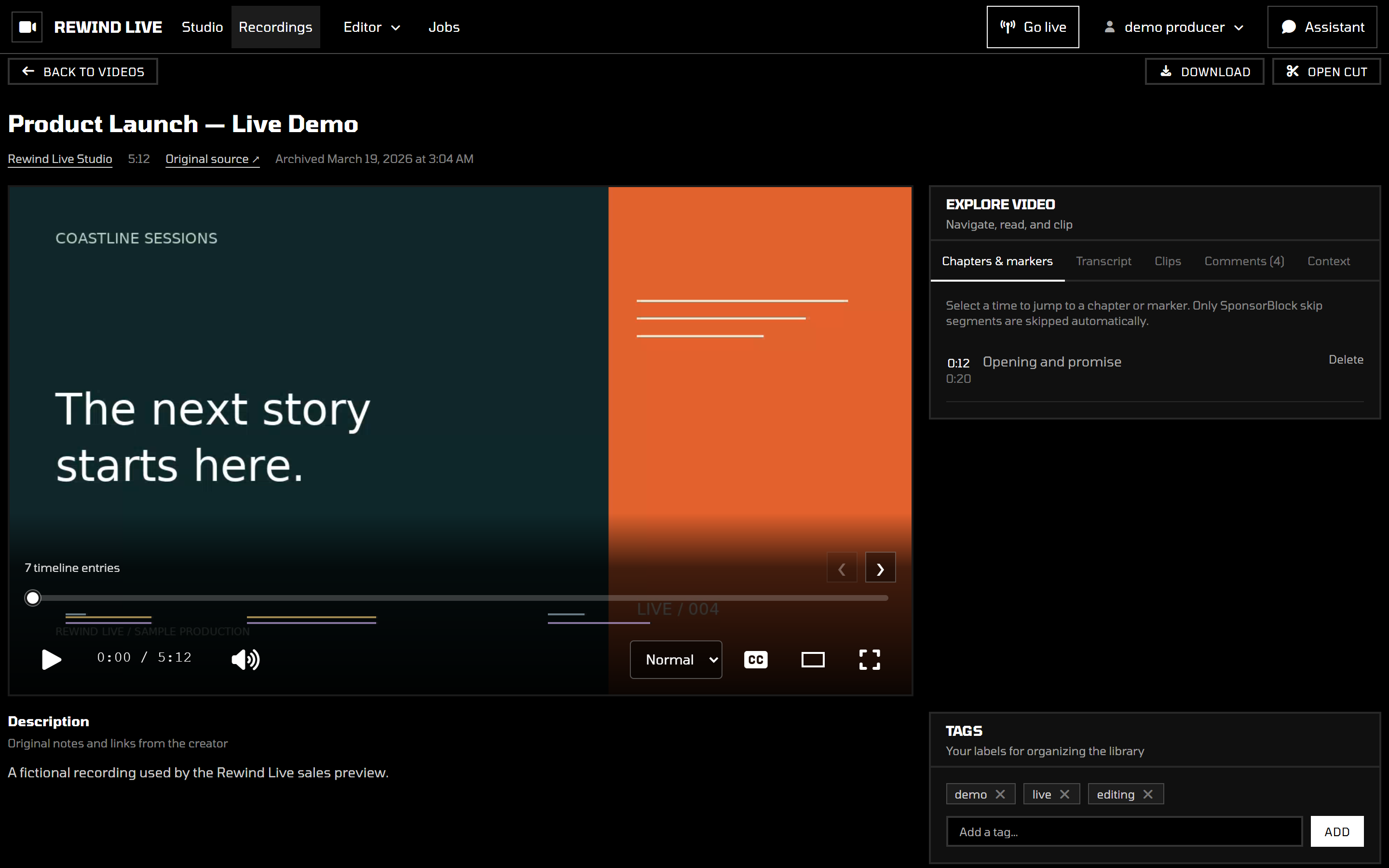
Go to Recordings and open the show you want to edit. Review the source in the browser to find the moment you need. You do not need to download the full recording first.
Choose the moment
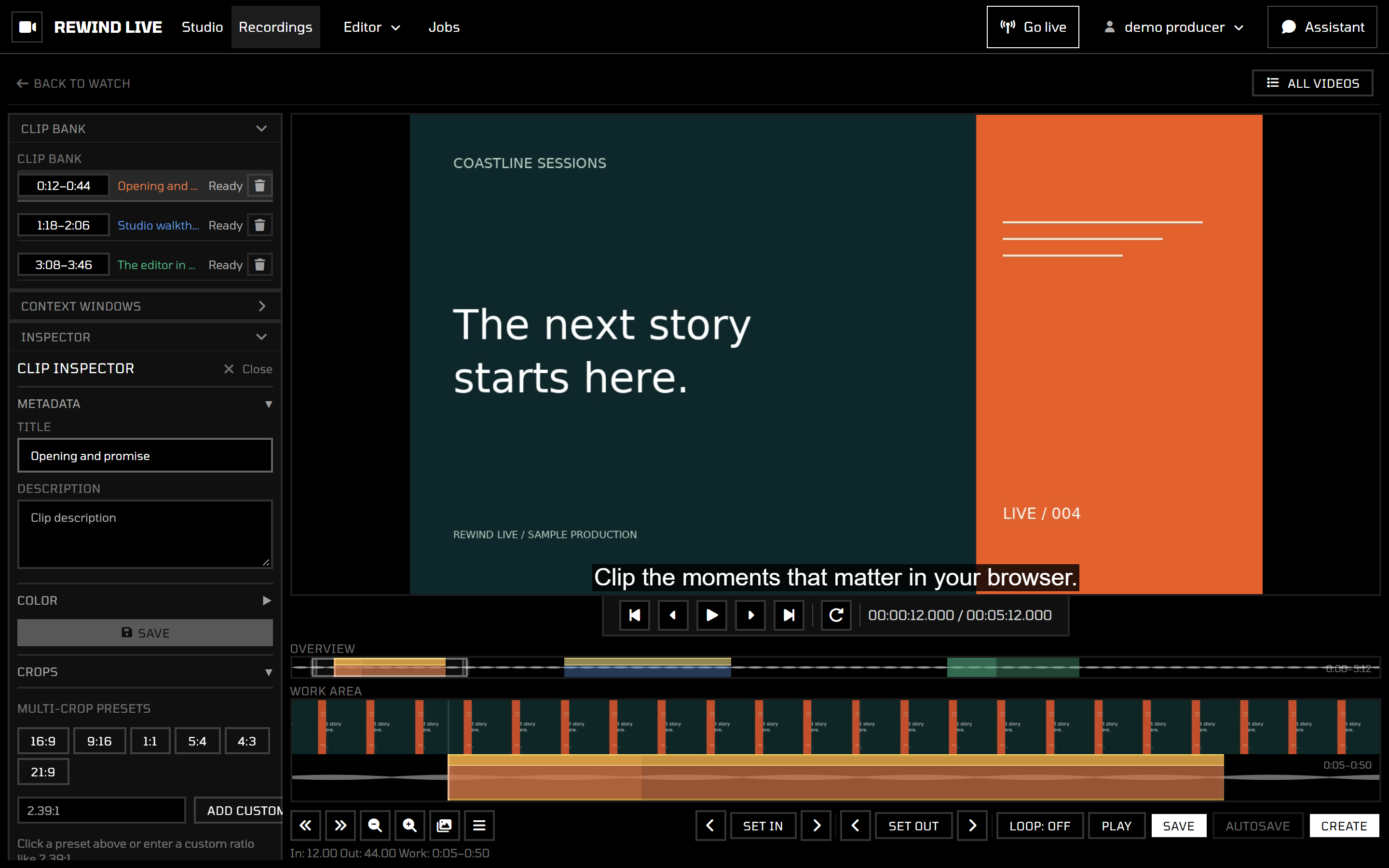
Open the recording's editing workspace. Use playback and the timeline to locate your start and end points. Keep enough context before and after the moment so the clip works on its own.
Review the cut
Play the selected section before exporting. Check the first and last frames, audio, and whether the clip starts or ends in the middle of a sentence. Adjust the selection until it tells the story you want.
Browser playback can need a moment to seek in a long source. Wait for the image and audio to catch up before judging the cut.
Export or combine
Use the export controls to create the output you need. Exporting can take time; wait for the operation to complete before downloading the result.
For several moments in one piece, continue to Stitch & export.
If the source does not play, use the playback troubleshooting steps before building the edit.