Recordings & retention
Find past shows and see how long your plan keeps them.
From live feed to private master
After you stop streaming, the completed recording is processed and copied into private archive storage. It becomes available in Recordings when that work completes.
The live feed is the source. Rewind Live does not need to download your broadcast back from a platform to make the master.
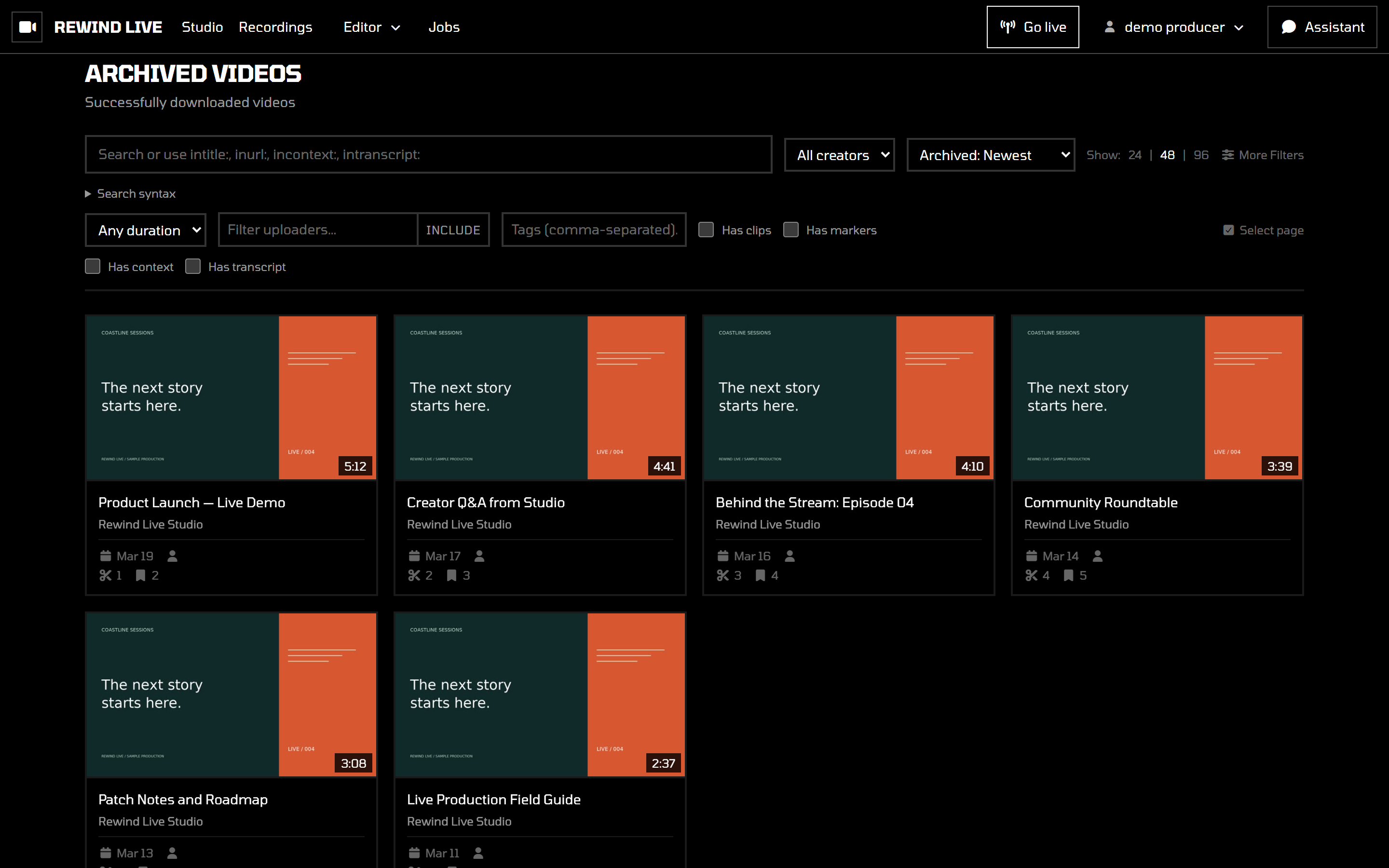
Find and review a show
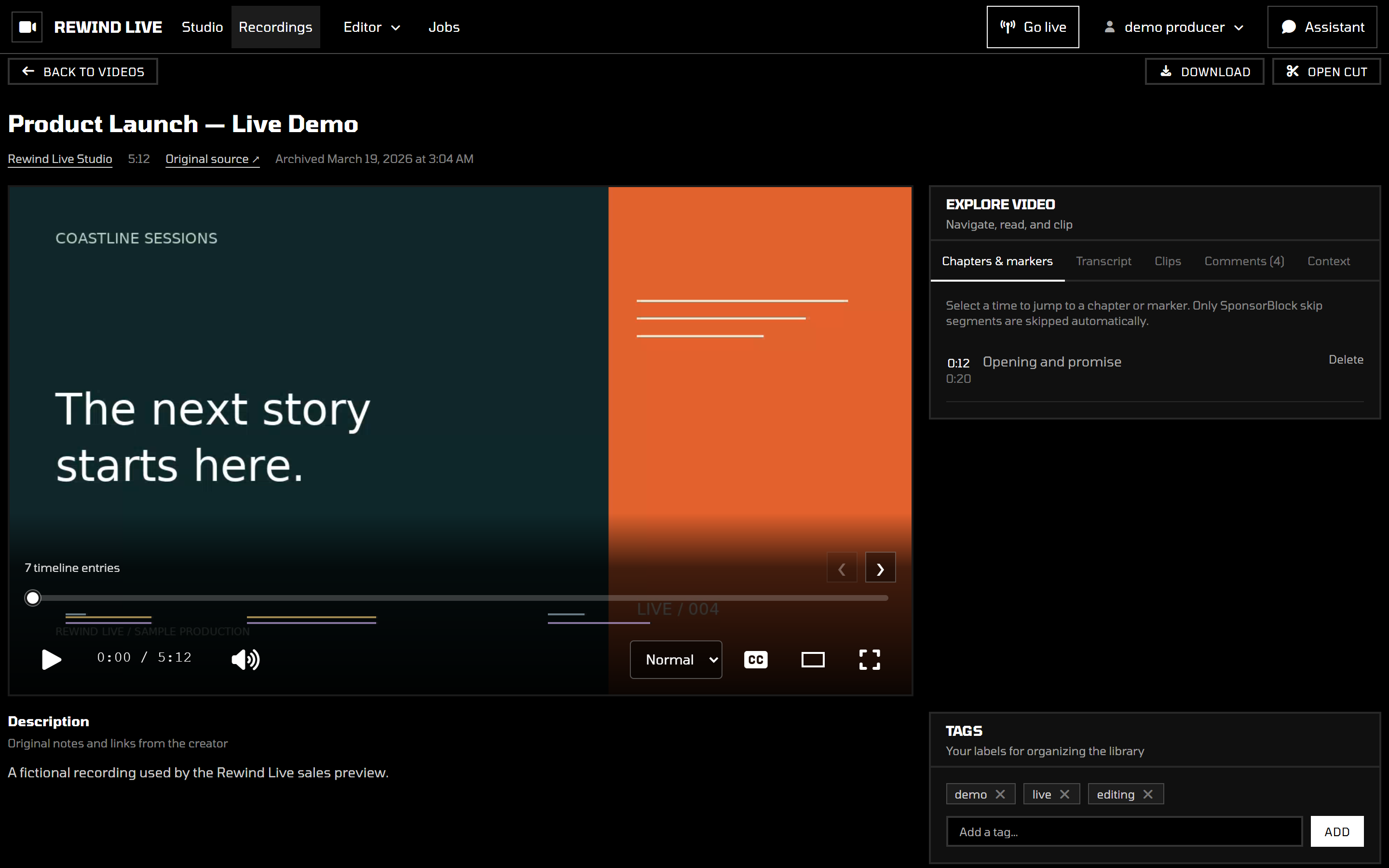
Open Recordings from the workspace navigation. Choose a recording to watch or edit. Your library is private to your workspace.
Understand retention
Your plan sets how long recordings stay in your library. See Plans & pricing to compare retention periods. With indefinite retention, recordings don't expire because of their age. Your plan's stored-hour allowance still applies.
Export or keep an independent copy of anything you need beyond the plan's retention period. Deleting a recording or changing your subscription can affect what remains available; review the controls and consequences before making changes.
When a recording is missing
First confirm that your encoder has actually stopped. An ongoing feed is not a completed master. Allow time for processing, then refresh Recordings.
If the completed show still does not appear, note the input name, start and stop times, and timezone. Send those details to your service administrator. Do not include stream keys or private playback links.
Continue with Make a clip once the recording is ready.