Plans, access & billing
Choose a plan, understand seats, and manage billing.
Choose capacity for your production
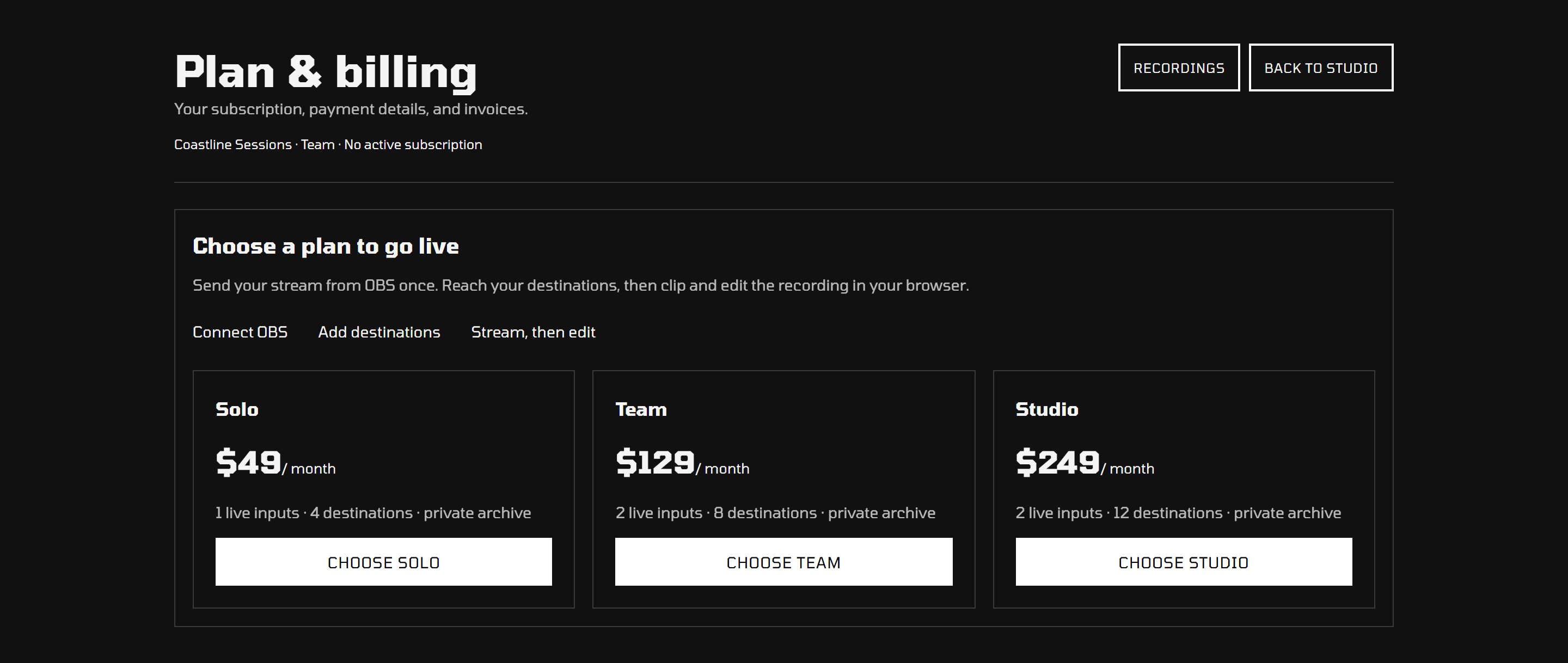
Every plan includes streaming to your destinations, private recordings, and browser editing. Choose the inputs, destinations, seats, storage, and retention that fit your show. You'll find the current prices and allowances on Plans & pricing.
Live source hours measure the incoming broadcast, not how many people watch it. Stored hours describe the recordings held in your archive. Playback and export are included.
Activate a subscription
Open Plan & billing and choose a plan. You need to be a workspace administrator to manage the subscription. If subscriptions are unavailable, contact your service administrator.
Manage billing
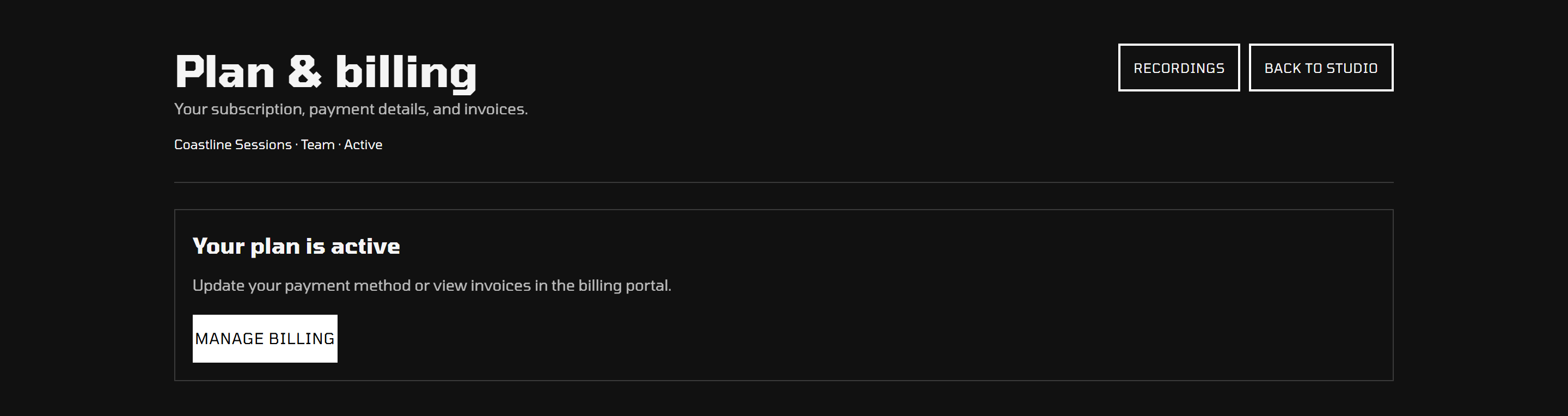
With an active subscription, select Manage billing to open the billing portal. You'll find the payment, invoice, and subscription options available for your account there. If billing is temporarily unavailable, ask your service administrator for help.
Workspace access
Workspace administrators manage live inputs, destination credentials, and billing. Editors work with the workspace's recordings. Admins can also edit; a plan's additional editor seats are for other people.
Contact your service administrator to add or update members, or to arrange additional capacity.
Fair use and extra capacity
Compare the included live and stored hours on Plans & pricing. Additional capacity is listed there when available in the catalog; ask your service administrator to arrange it.
Always-on or 24/7 broadcasting needs a separate arrangement. Indefinite retention removes age-based expiry; it does not remove stored-hour fair use.